
Desktop Application Development
Hygge builds desktop software for workflows that need the machine itself: local hardware, the file system, and full speed with the network down. Our desktop application development work runs through an audit, a build tested against your real hardware and offline conditions, and a staged rollout with code signing and auto-update already wired in.
What Goes Into Cross Platform Desktop App Development
The layers a desktop app development project covers, and how Hygge decides which of them your build needs after reviewing your platforms, your hardware, and where the network drops.
Framework and Architecture Decision
Electron, Tauri, Qt, or a native platform SDK. The choice sets your install size, memory footprint, and how close the app can get to the hardware, so it gets made in the audit against real performance requirements.
Offline-First Data and Sync
Local storage, a conflict resolution policy, and a sync queue that drains when the connection returns. Field teams, factory floors, and clinical settings run on this layer, and it decides whether the app is usable where the work happens.
Hardware and Peripheral Integration
Scanners, printers, cameras, serial devices, USB instruments, and GPU access, the connections a browser sandbox was built to refuse.
File System and Local Processing
Reading, writing, and watching directories, handling large files without uploading them anywhere, and running compute on the operator's own machine.
Packaging, Code Signing and Distribution
Signed installers for Windows and macOS, notarization, silent enterprise deployment through your MDM, and a release channel your IT team controls.
Auto-Update and Crash Reporting
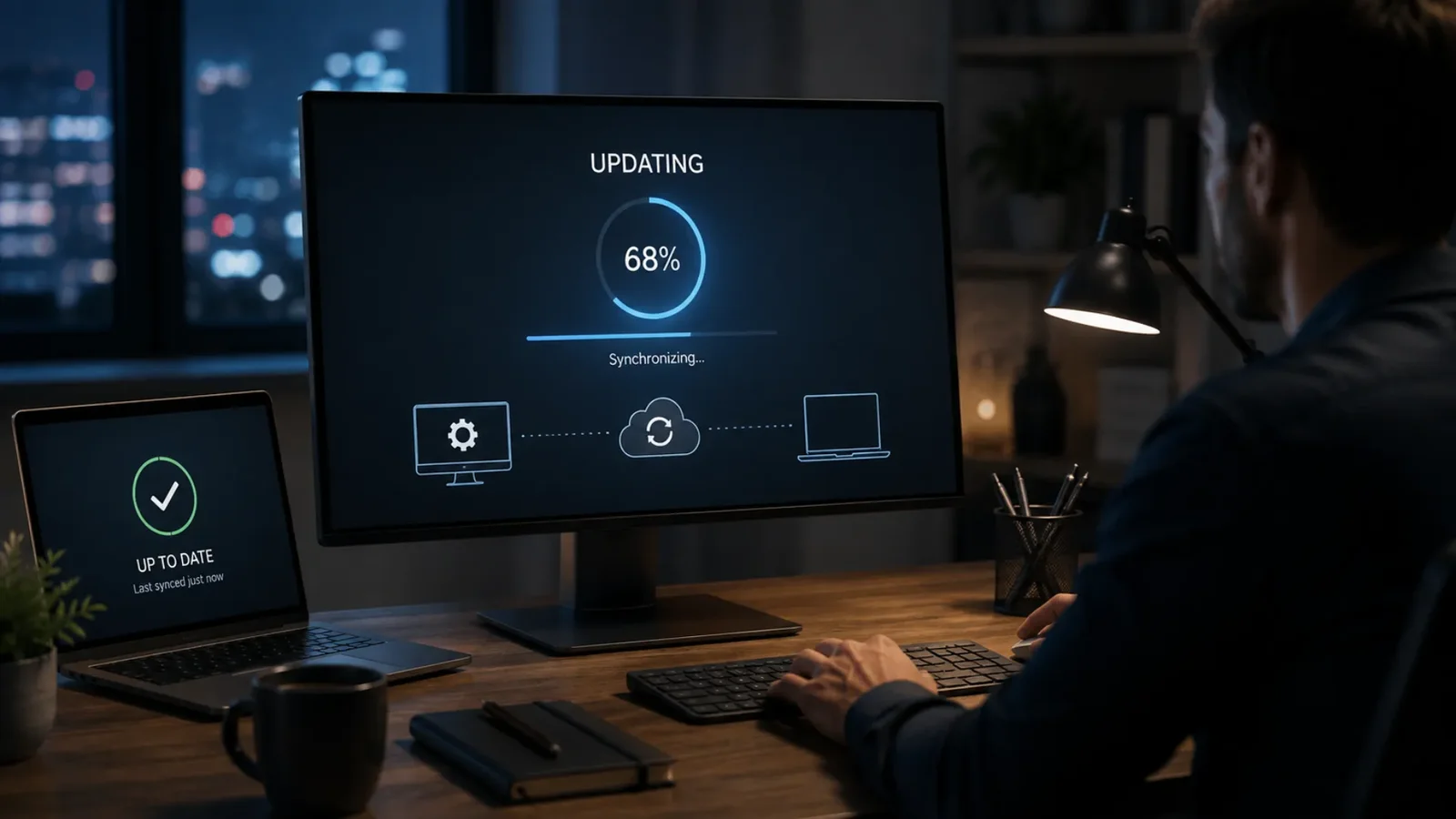
Background updates with a rollback path, plus crash and error reporting from real machines, so you find the driver conflict on one customer's hardware without waiting for a support ticket.
What Gets Decided Before Desktop Development Starts
Hygge opens with an audit. The framework decision on a desktop project is the one you cannot walk back cheaply, so it gets made with evidence.
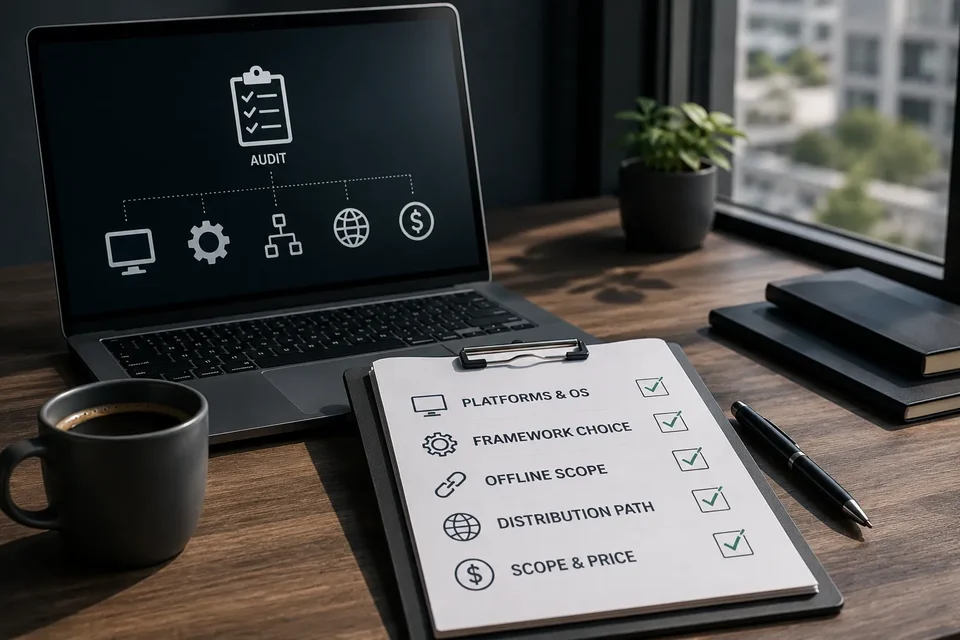
The audit settles each of these:
- Target platforms and the oldest OS version you have to support, taken from your actual install base.
- Framework choice, weighed against performance requirements, hardware access, and install size limits.
- Offline scope, which parts of the workflow keep running with no connection, and how conflicts resolve on reconnect.
- Distribution path, signed installers, enterprise deployment, or an app store, and what each one requires from you.
- Fixed scope and price for release one, agreed after the audit.
What Sends a Team to a Desktop Build
The conditions that make a custom desktop software development build the right call, drawn from the audits Hygge has run.
The work happens where there is no signal, on hardware the browser cannot reach. Desktop application development puts the tool on the machine, with the installer and the update path built in. The audit says which platforms and which local hardware it has to speak to.
The Work Happens Where There Is No Signal
Warehouses, ships, construction sites, rural clinics. A web app shows a spinner. A desktop app keeps taking input and syncs when the connection returns.
The Workflow Needs the Hardware
A barcode scanner, a lab instrument, a label printer, a camera with a vendor SDK. Browser APIs cover a narrow slice of this, and the rest needs an application running on the machine.
Files Too Large to Upload
Video, CAD, medical imaging, engineering datasets. Moving gigabytes to a server to process them wastes hours that local compute finishes in minutes.
A Legacy Desktop App Nobody Can Maintain
Built in Delphi, WinForms, or VB6, running on a Windows version IT wants to retire, with the original developer long gone. The replacement gets built and rolled out in stages while the old one keeps running.
Data That Cannot Leave the Machine
Regulatory or contractual limits on where records travel. Processing locally keeps the data on hardware you control.
How a Desktop Application Development Company Builds One
From a platform audit to a signed, self-updating release. This is what desktop app development services at Hygge look like week by week, with a build to install and try at the end of each step.
Audit and Platform Decision
Two weeks reviewing your workflow, hardware, install base, and offline requirements, ending in a framework choice and an exact price for release one.
Architecture and Data Model
Local storage schema, sync and conflict rules, and the hardware abstraction layer, settled before feature work starts.
Build With Weekly Installers
A signed build you can install on your own machines every week, tested against the hardware it has to talk to.
Field Testing
Real users on real machines in real conditions, including with the network pulled, before the wider rollout.
Release and Update Channel
Signed distribution, auto-update with rollback, crash reporting, and handover documentation for your IT team.
What a Desktop Application Changes for the People Using It
The application keeps working with the network down, and syncs when it returns. Updates reach every machine on their own, so nobody is running last year’s version without knowing it. Cross platform desktop app development covers the common case: one product on Windows and macOS, shipped and updated from one codebase. Electron app development is the usual route when the team already knows the web stack and the product has to reach both platforms quickly, with native modules where performance demands them.
The Standards Desktop Application Development Is Held To
Every number here is agreed with you and measured against how things run today.
Where a Desktop Application Still Wins
Sectors where the work needs local processing power, hardware access, or a machine that keeps going offline.
Public Safety & Security
In-vehicle and control-room software that keeps working through a dropped connection and syncs once it returns.
Logistics & Warehouse Automation
Workstation software wired to scanners, scales and label printers on the floor.

Media & Entertainment
Editing, encoding and review tools that use the local GPU on files too large to move.

Aviation
Maintenance and briefing software installed on approved hardware in restricted network environments.
Marketing & Creative
Creative production tools reading and writing large local project files at native speed.

Retail & E-Commerce
Point of sale and back-office terminals that keep selling when the store link goes down.
LegalTech
Document review software handling privileged material on managed machines under firm IT control.
Healthcare & Staffing
Clinical workstation software integrated with local devices and hospital network policy.
Applications Running on the Machine Itself
Work where the software had to run on a workstation or an installed device, close to the hardware and usable with the network down.
What You Get From the Desktop Audit
A framework recommendation with the reasoning behind it, a platform and OS support matrix, an offline scope definition, a distribution plan, and an exact price for release one. Everything a desktop application development company should hand you after the audit.
The Stack Behind Electron App Development
Chosen per project against your performance requirements, your platforms, and what your own team can maintain after handover. The toolset behind Hygge's custom desktop software development work.
The runtime the application ships on, selected by how deep it reaches into the operating system and whether one codebase can serve Windows and macOS at the quality both sets of users expect.
 Electron
 Tauri
Tauri Qt
Qt.webp?v=2026-09-29T09%3A19%3A03.736Z) .NET (C#)
.NET (C#) Swift
Swift WinUI
WinUI AppKit
Frequently Asked Questions
When a desktop application earns its place over a browser tab.
 What is a desktop application?
What is desktop software development?
How to build a desktop application?
What programming language is used for desktop applications?
How to update a desktop application?
When do I need a desktop app?
Electron or Tauri, which should I use?
How much does desktop application development cost?
What does migrating a legacy desktop application involve?
Should I hire in-house or work with a desktop development agency?
Can you sign and distribute it for enterprise deployment?
Do you support it after launch?
Do you offer Windows application development services?
From a Workflow the Browser Cannot Hold to a Signed Release
Tell us what hardware it talks to and where the network drops. You get a framework recommendation, a scope, and a price from a desktop application development company that has shipped signed releases.
Tell Us What Has to Run on the Machine
Share the operating systems, the hardware it touches, and what has to keep working with the network down.
Get a First Consultation
We review your platforms, hardware, and deployment rules for anything that would change scope, cost, or timeline.
Receive a Detailed Proposal
A scoped plan with the approach, timeline, and cost, built around your actual desktop environment.