


Intelligent Document Processing Services
Invoices, claims, contracts, and shipping paperwork turned into structured records your systems can act on. Hygge builds intelligent document processing around the documents you receive today, including the scanned, photographed, and handwritten ones that break template-based tools.
What Goes Into an Intelligent Document Processing System
The layers between a PDF landing in an inbox and a clean record inside your ERP. Hygge scopes which your document set needs after reading a real sample.
Capture and Pre-Processing
Email inboxes, scanners, shared drives, and APIs feeding one pipeline, with deskewing, denoising, and page splitting applied before any model sees the file. Most accuracy problems in automated document processing start here.
Classification and Routing
Each incoming file identified by type, an invoice, a bill of lading, a claim form, and sent down the path built for it. IDP software earns its place here, splitting mixed batches page by page without anyone sorting them by hand.
Field Extraction
Line items, totals, dates, parties, and reference numbers pulled into structured fields. AI document extraction handles layouts the system has never seen, which is where template-driven tools stall.
Validation and Business Rules
Totals reconciled against line items, vendor names matched to your master data, and duplicates caught before they reach approval. Every extracted value arrives with a confidence score attached.
Human Review Queue
Low-confidence documents route to a reviewer with the source page and the extracted field side by side. Corrections feed back into the model, so the queue shrinks month over month.
Integration and Audit Trail
Clean records posted into your ERP, accounting system, or case management tool through the APIs they already expose, with every extraction, edit, and approval logged against the source page.
What a Document Audit Settles First
Hygge starts with an audit on a real sample of your documents, a few hundred pages covering your normal mess. Accuracy claims about ai document processing made before anyone reads your actual paperwork are guesses.
The audit produces each of these:
- Measured ai document extraction accuracy per field on your own documents, per document type.
- The share of volume that will need human review in month one, and the projection for month six.
- Cost per thousand pages, covering the model calls, the infrastructure, and the review time.
- Where the data can live, which decides whether a hosted API is available to you at all.
- Fixed scope and price for the build, agreed after the audit.

What Pushes a Team to Automate Document Work
The situations behind most intelligent document processing solutions that Hygge scopes.
Every one of these is the same problem in a different form: a person reads a document so a system can act. Document processing puts extraction in front, with a review queue for whatever the model is unsure about. The audit measures accuracy on your own documents before a price is quoted.
Headcount Scales With Paperwork
Every jump in volume means another person keying data into a system. Teams reach for invoice processing automation at the point where the cost curve tracks document count and hiring is the only lever anyone has pulled.
The Template Tool Broke on Real Mail
A rules-based extractor works on the vendor formats it was configured for. A new supplier, a redesigned invoice, or a phone photo of a receipt drops it back to manual entry.
Errors Surface Downstream
A wrong total or a mistyped account number gets discovered weeks later in reconciliation. Manual invoice data extraction puts the cost of finding an error well above the cost of the original keystroke.
Approval Cycles Run Long
Documents sit in queues waiting for someone to read them. Payment terms slip, discounts expire, and customers ask where their claim is.
Auditors Want the Source Page
Regulated processes need every field traceable back to the page and the person who approved it. Manual entry leaves that trail in spreadsheets and email.
How We Build Document Processing Automation
From a sample of your real paperwork to a pipeline running in production, with measured accuracy at every stage of document processing automation.
Document Audit
Two to three weeks on a real sample of your documents, ending in per-field accuracy numbers, a review-rate projection, and an exact price.
Pipeline Build
Capture, classification, extraction, and validation built for your highest-volume document type first, so value arrives before the full rollout does.
Review Interface
The screen your team uses every day, source page beside extracted fields, keyboard-first, built so a reviewer clears a document in seconds.
Shadow Run
Automated document processing runs on live documents alongside your current process for several weeks, and the two outputs get compared before anything switches over.
Cutover and Handover
Traffic moves across in stages with accuracy dashboards, retraining runbooks, and a session with your team, so your people own the pipeline afterwards.
What Changes Once Documents Process Themselves
Invoices, forms and contracts arrive as structured data the same hour they land. The review queue shrinks as the model learns your documents, and the running cost per thousand pages is known from the audit. Document automation software is the outcome most buyers want: a document arrives and the fields it carries land in the system that needs them. Document data extraction is the part that decides whether it works, and it is judged on the awkward pages, the scans and the forms somebody filled in by hand.

What Document Processing Is Measured On
These are the targets the work is built to hit, measured on your own numbers.
Where Document Automation Carries the Volume
Sectors where paperwork volume decides how many people a process needs, and where intelligent document processing solutions pay for themselves fastest.

LegalTech
Contracts and filings read into structured fields, with low-confidence pages routed to a reviewer before anything reaches a matter file.

Healthcare & Staffing
Referrals, claims and credentialing packets extracted inside your perimeter, with every field traceable to the page it came from.

Logistics & Warehouse Automation
Bills of lading, customs paperwork and delivery notes captured at the dock and written into the system the operator already opens.

Real Estate & PropTech
Leases, plans and closing packets turned into fields a property platform can query, with the original page kept beside the extraction.
Document Pipelines Running on Live Volume
Document automation services Hygge has shipped into working operations.
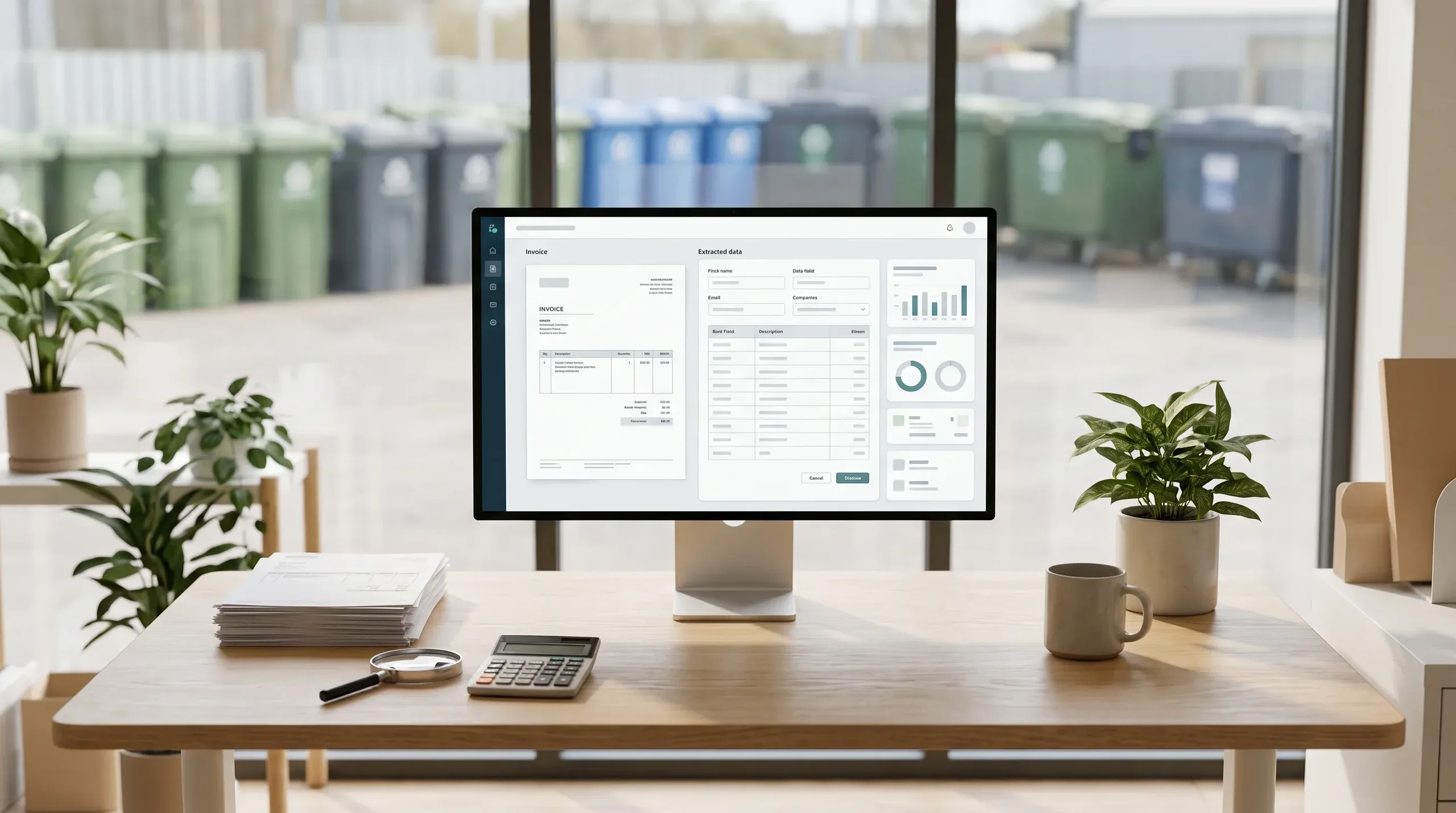
Invoice Data Extraction
Invoice data extraction for a US waste broker: hauler prices from 500 PDF invoices a month feed a price history, quick quotes and a marketplace for regular services.
- On the callWhen Sales Can Name a Price
- ExceptionsWhat People Still Review
- 12 monthsOf Invoices Read in One Run
- To the centOn the Client's Sample Invoices
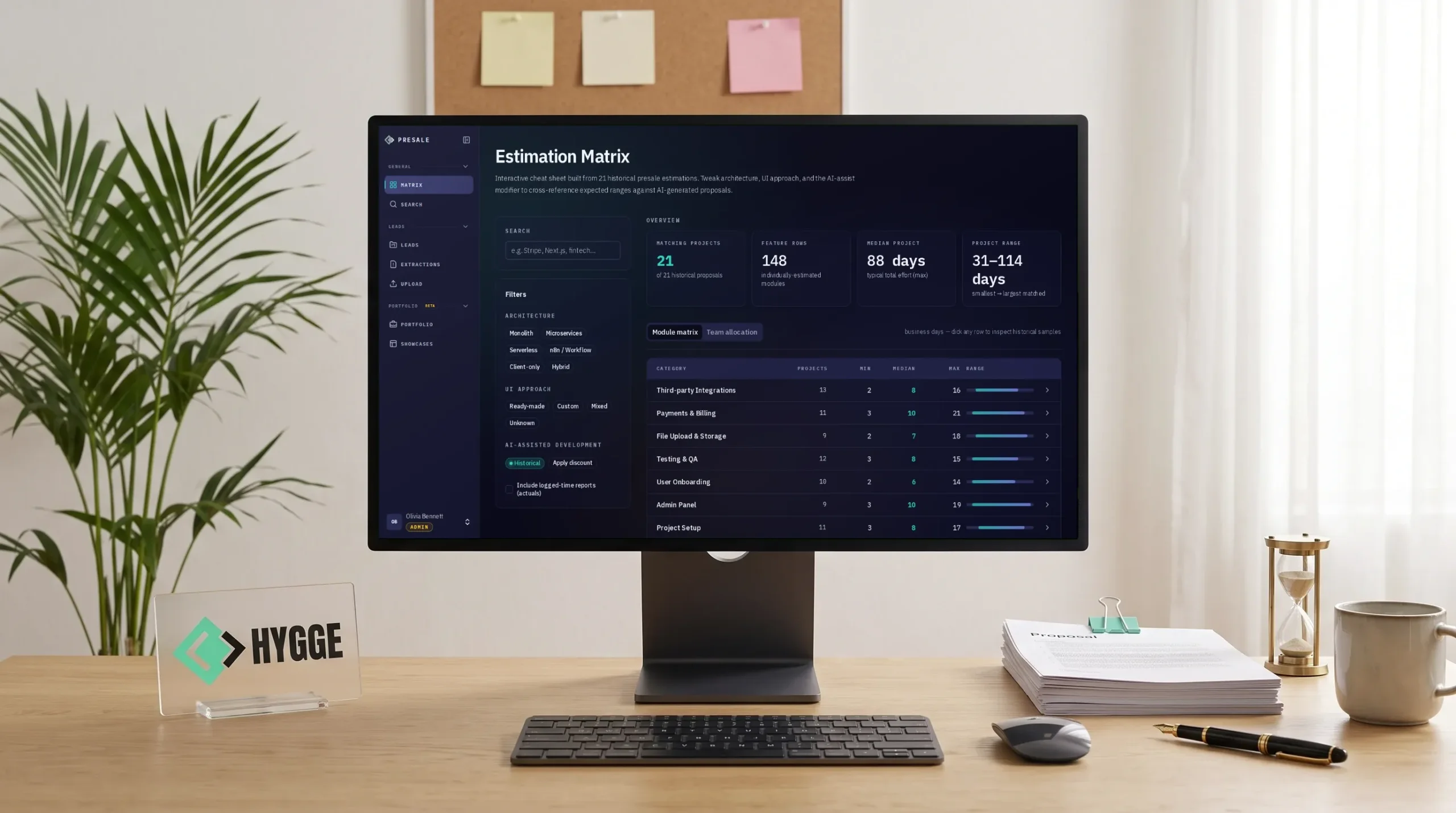
Hygge Presale
Hygge's own presale workspace, where an AI agent drafts estimates from past deals. People approve them, and every proposal feeds the next.
- 6 sub-statusesDrive each pipeline stage
- Every moduleAnchored to evidence
- 5 formatsFrom one approved deck version
- 3 modesOf case disclosure, enforced

Clia
Two AI apps for consultants on one core, with a trained model that turns legal references into links.
- Auto-linkedCitations a consultant used to look up by hand
- 1 passA document read once, every reference resolved
- 2 appsOn one platform, shipping apart
What You Get From the Document Audit
Per-field accuracy measured on your own sample, a review-rate projection for month one and month six, a cost per thousand pages, and a fixed scope and price. An intelligent document processing platform proposal that arrives with numbers behind it.
The Stack Behind Document Data Extraction
An intelligent document processing platform assembled against your accuracy target, your data boundary, and your page volume.
The models that read your document types, chosen on measured accuracy against a sample of your own files.
 Azure Document Intelligence
 Google Document AI
 AWS Textract
 LayoutLM
 Donut
Donut

Frequently Asked Questions
What operations and finance leads ask about document automation software.
 What is intelligent document processing?
How does intelligent document processing work?
How does document processing software work?
What is the difference between intelligent data processing and intelligent document processing?
How to automate back office work with IDP?
How accurate is automated document extraction?
Do we still need people reviewing documents?
Will it handle handwriting and scanned documents?
What happens when a supplier changes their invoice layout?
How does this connect to our ERP or accounting system?
What if our documents cannot go to a third-party cloud?
How much does a document processing system cost?
From a Stack of Documents to Records in Your System
Send a sample of what your team keys in by hand today. You get measured accuracy, a review-rate projection, and a price, the same starting point behind every idp software build Hygge ships.
Tell Us What Arrives on Paper
Share the document types, the monthly volume, and what people key in by hand today.

Get a First Consultation
We review your document samples and volumes for anything that would change scope, cost, or timeline.
Receive a Detailed Proposal
A scoped plan with the approach, timeline, and cost, built around your actual documents.