
A Portal That Answers the Emails for You
Order status, documents, invoices, reporting: the questions that arrive by email all day are questions your systems can already answer. A portal moves that traffic out of someone's inbox.
What Customer Portal Development Solves
Where portal projects earn their cost back. The same questions arrive by email every week, your team answers them by hand, and the customer still cannot see the status of their own order. Customer portal software pays for itself in the volume of that inbox.
Your Team Is the API
Every status question, document request and report goes through a person who looks it up and replies.
- Self-service access to orders, documents and status
- Data read live from the system of record
- Notifications so customers stop asking whether anything changed
- Support volume tracked before and after
Data Scattered Across Systems
The answer lives in three systems and nobody outside the company can reach any of them.
- Integration layer pulling from ERP, CRM and internal databases
- One consistent view assembled from several sources
- Caching so an old system is not hammered by portal traffic
- Read-only where safety demands it, write-back where it helps

Everyone Sees the Wrong Things
Partners see each other's data, or cannot see their own.
- Role and organization scoped access enforced server-side
- Per-account data isolation
- Delegated administration so partners manage their own users
- Access logging for audit
A Portal Nobody Uses
It exists, and people email anyway because it is slower than asking.
- Task-first design built around the top questions
- Login that works with existing credentials or SSO
- Mobile-usable, because partners are rarely at a desk
- Adoption measured
What Makes Customer Portal Software Work
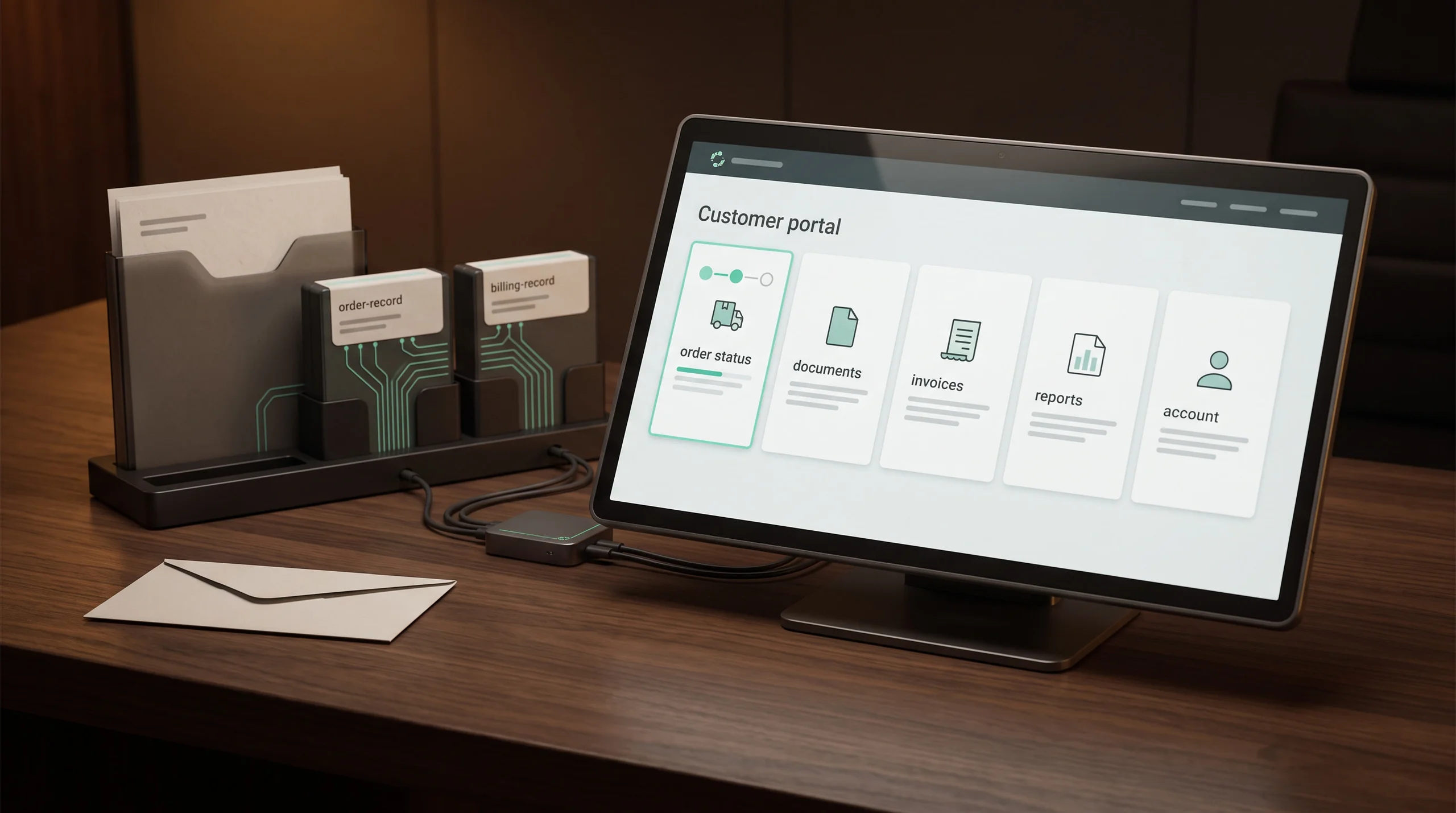
Portals fail when they are a second interface onto data nobody could find in the first one. The ones that get used are built around the five questions people ask, answered faster than sending an email would be.
Where Partner Portal Software Applies
Sectors where this comes up most often, and where Hygge has shipped it. What changes between them is who is on the other side: a customer, a dealer, a supplier, a broker. Partner portal software adds contract terms and pricing tiers on top of the same core.

Real Estate & PropTech
Listing platforms, live auction bidding and computer vision that scores construction progress from site photos.

Logistics & Warehouse Automation
Operator interfaces for autonomous fleets, industrial integration and systems rebuilt without taking a working site offline.
HR & Recruitment
Hiring platforms, professional networks and staffing marketplaces where matching runs on structured data.

LegalTech
Document-heavy products where a reference has to be exactly right, and an approximately correct citation is a wrong one.

Retail & E-Commerce
Recommendation engines, retail media platforms and the billing accuracy that decides whether store partners stay.
The Stack Behind Customer Portal Development
A portal replaces a queue of emails, so it is judged on whether a customer stops calling. This stack is chosen so one screen assembles data from several systems behind it, and so sign-in fits what the customer IT team already runs.
What customers and partners see. One screen answers the questions that currently arrive by email, so the value shows on the first visit. Anything that needs a call to your team gets designed out here, because a portal nobody adopts leaves the emails exactly where they were.
 React
React Next.js
 Angular
 TypeScript
 TailwindCSS
B2B Portal Development Company Track Record
Company numbers across every project, from the first audit through the years a system stays in service. B2B portal development is judged on the drop in inbound requests, a number your team can estimate today. The audit at the start is what makes the delivery date and the price hold.
How Customer Portal Development Runs
Start from the inbox, end with a measured drop in it. As a b2b portal development company Hygge builds the highest-volume request first, so the saving is visible before the second phase is scoped. Each stage ends with something your customers can log into.
Request Audit and Integration Scope
2 weeksTwo weeks reading the support inbox, ranking the questions by volume, and establishing what each source system exposes.
Integration Layer
3-4 weeksConnections to the systems of record, with caching and a consistent data model assembled from several sources.
Portal and Access Control
4-5 weeksThe screens covering the top requests, with role and organization scoping enforced server-side.
Rollout and Measurement
2 weeksOnboarding for existing customers, notifications, and support volume tracked against the pre-launch baseline.
Related Customer Portal Development Work
Projects where this problem showed up and what got built for it. Each started with a team answering the same questions by hand. What you see is the portal that absorbed them and the numbers that moved.
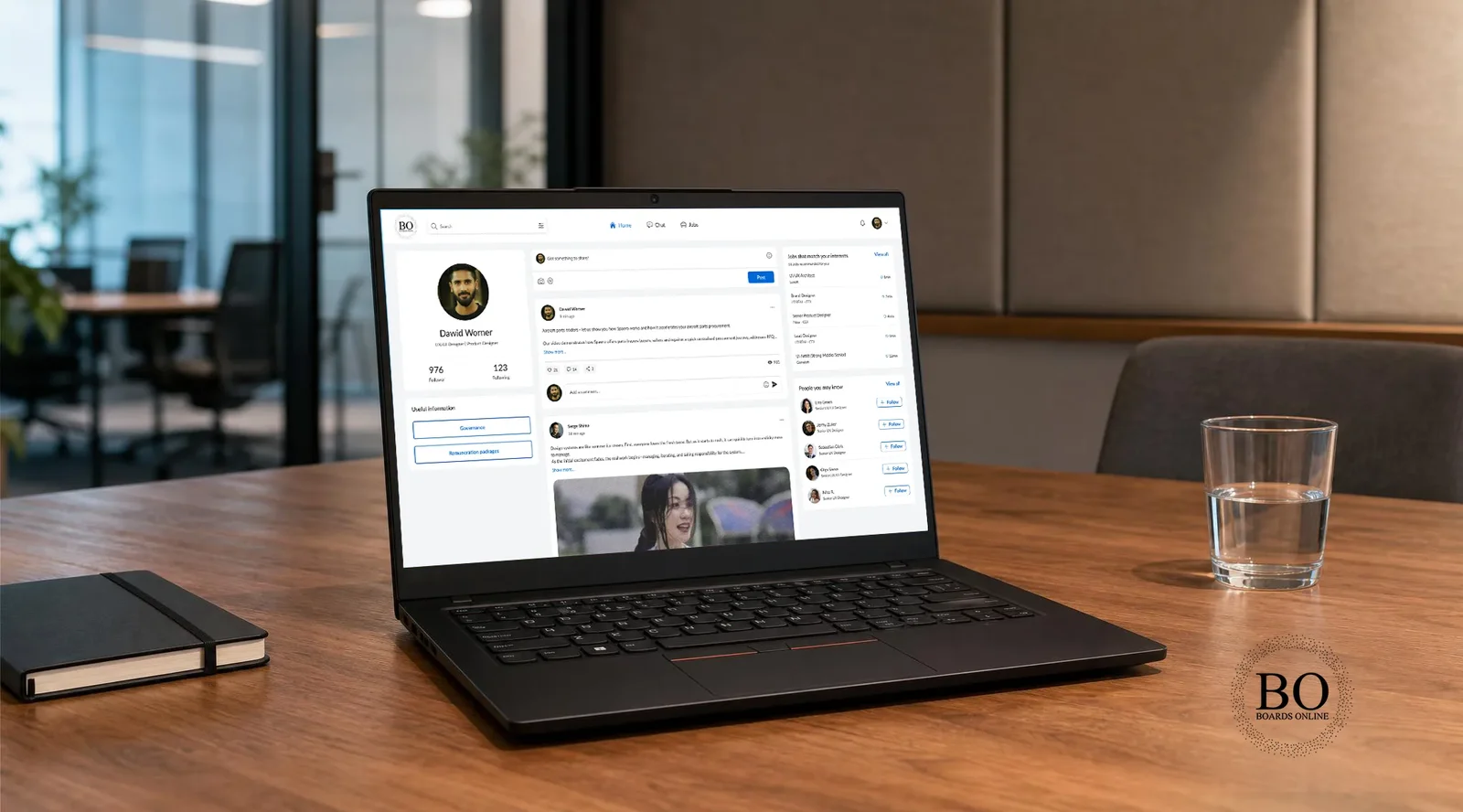
BoardsOnline
A founder paid for a platform reported as done. Engineers checked every feature, and the rebuild started from what worked.
- 3 verdictsFor every feature reported as done
- 6 monthsFrom the audit to a tested, live platform
- 1+ yearOf support after the contract ended
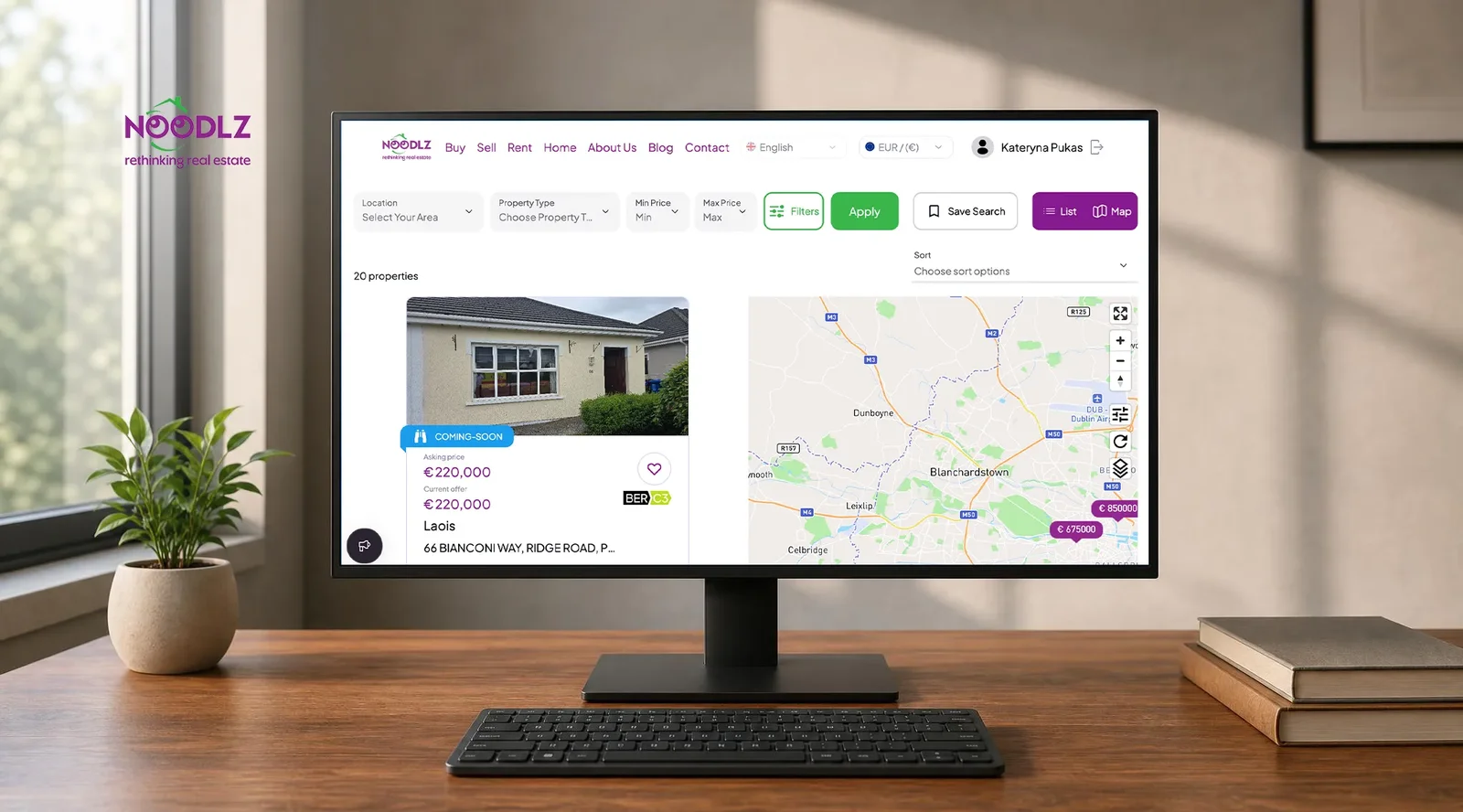
NOODLZ
Live auction software for an Irish agency network. Auctions moved off phone calls into one platform with verified bidders and a document vault.
- 1 platformReplaces auctions run outside any system
- 1 vaultReplaces contracts moving between inboxes
- 2+ yearsOf continuous delivery since 2024

Country Navigator
A ten-year-old cultural intelligence training platform rebuilt into services. Enterprise customers kept working through a zero downtime migration.
- 0Downtime moving a ten-year-old platform
- 1 configReplaces the SSO setup only one person knew
- 10 yearsOf monolith rebuilt into services
Expert Insights on Enterprise Portal Development Services
What belongs in a portal, whether it holds its own copy of the data, and where an approval gate earns its place. Enterprise portal development services turn on identity and permissions, because that is what an enterprise buyer reviews first.

Portal Development Frequently Asked Questions
Deciding what belongs in a portal, whether it holds its own copy of the data, how partners administer their own users, and how adoption gets measured after launch. The answers below also cover SSO, permissions, and what happens to the support flow you run today. Enterprise portal development services turn on identity and permissions, because that is what an enterprise buyer reviews first. Enterprise portal development services turn on identity and permissions, because that is what an enterprise buyer reviews first.
 What is a customer service portal?
How to build a client portal?
How can a company improve its portal?
What is a customer portal?
How to build a customer portal?
What information can a user see in their customer portal?
How to boost ROI with a customer portal?
What is a customer self-service portal?
How do we decide what goes in the portal?
Does the portal hold its own copy of the data?
Can partners manage their own users?
How do we know it worked?
From Scattered Sources to One Reliable Layer
Tell us what systems you run and what question you cannot answer today. You get a source inventory, a scope, and a price.

Tell Us What's Running Unmonitored
Share the models, the stack, and where deployment or monitoring is still manual, whatever's costing your team time right now.
Get a First Consultation
We map your current models and infrastructure for anything that would change scope, cost, or timeline.
Receive a Detailed Proposal
A scoped plan with the approach, timeline, and cost, built around your actual stack.