


How to Build a Real-Time Video Analytics System: Architecture, Latency and Cost
Seven pipeline parts, a measured latency budget, and a cost you can quote per camera per month.
 Yevhenii Sukhov·Publication date·14 min read
A real-time video analytics system turns live camera feeds into events a machine or a person can act on. A forklift enters a walkway. A part leaves the line without a label. A queue passes six people. The system sees it and raises an alert while the situation is still live.
Answer these before the architecture is chosen: which event matters, how fast the answer must arrive, and what the system costs per camera per month. This guide walks through architecture, the latency budget, model choices, deployment and cost, in the order they hit the plan.
How Do You Build a Real-Time Video Analytics System?
Start from one business event and the response time it needs. Build a pipeline of seven parts: cameras, ingestion, decoding, inference, tracking and event logic, alerting, and storage with monitoring. Put time-critical work on edge hardware near the cameras and send the rest to the cloud. Budget latency stage by stage against the response time. Price the system per camera per month, including GPU hours, storage and maintenance.
What Is a Real-Time Video Analytics System?
Real time video analytics software runs AI models on live video and produces structured events with a timestamp, a location and a confidence score. The output is an event, and the recording is a by-product. The models behind it come out of ordinary computer vision development, put under a deadline.
Real-Time, Near-Real-Time and Post-Event
Real-time means the answer arrives fast enough to change what happens next. That is under one second for machine control and under three seconds for a human alert. Near-real-time covers dashboards and shift reports, where ten to sixty seconds is fine. Post-event analysis runs on recorded footage, with no deadline at all.
The three modes have different costs. Real-time needs hardware near the cameras and a tight pipeline. Post-event work runs on cheap batch compute overnight.
From Footage to an Operational Decision
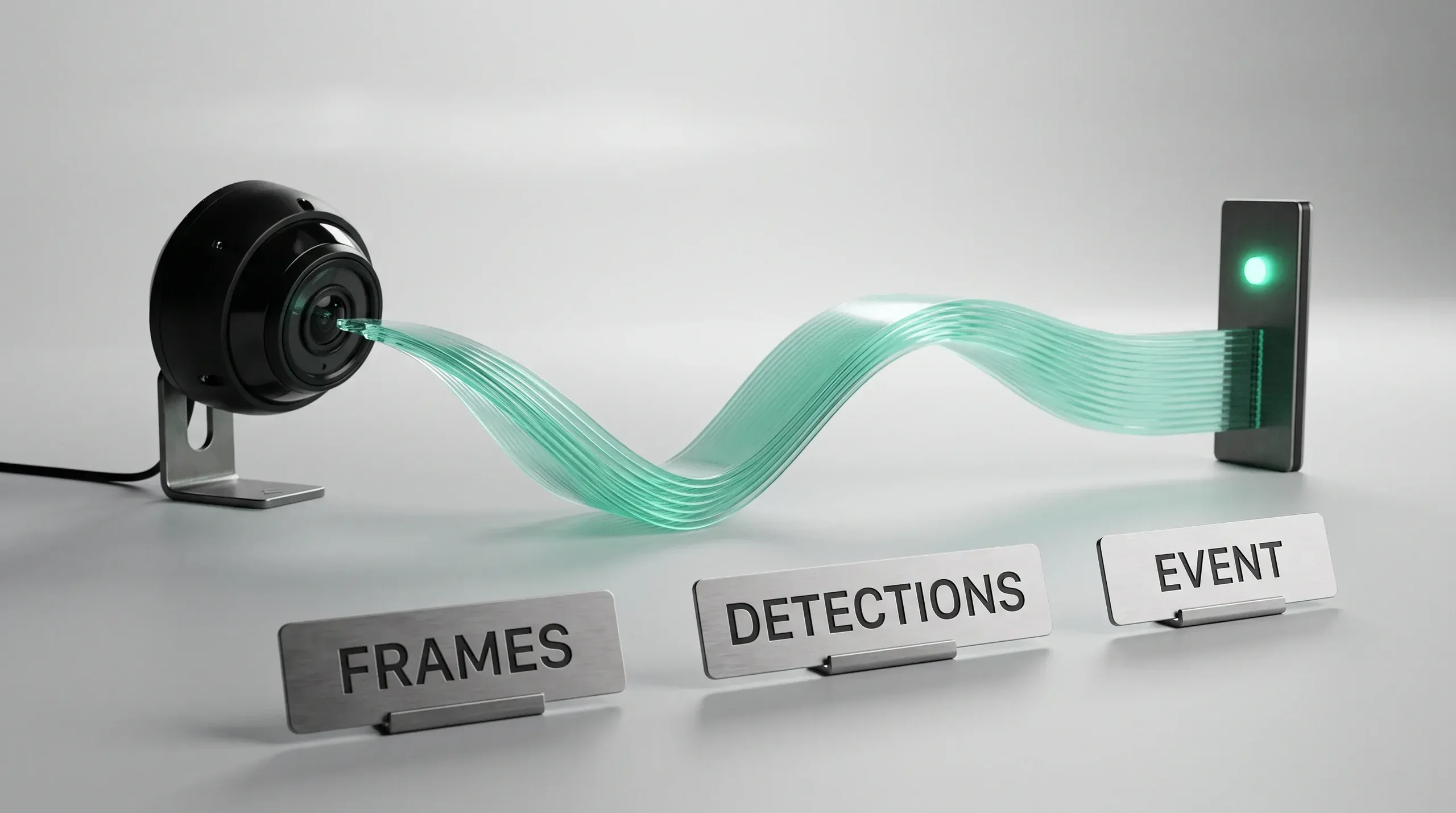
The chain has four links. Video becomes frames, frames become detections, detections become tracked objects, and tracked objects become an event with business meaning. Only the last link belongs in the alert.
Start with the Business Event
The model is the cheapest part of the decision. The event definition sets the camera count, the hardware, the latency budget and the price.
Define the Event
Write the event as a sentence an operator would say out loud. "A person stands inside the robot cell while the cycle runs." Then write what happens next: an alarm, a line stop, a ticket, a log entry. An event with no defined response does not need a real-time system.
Accuracy and Response Requirements
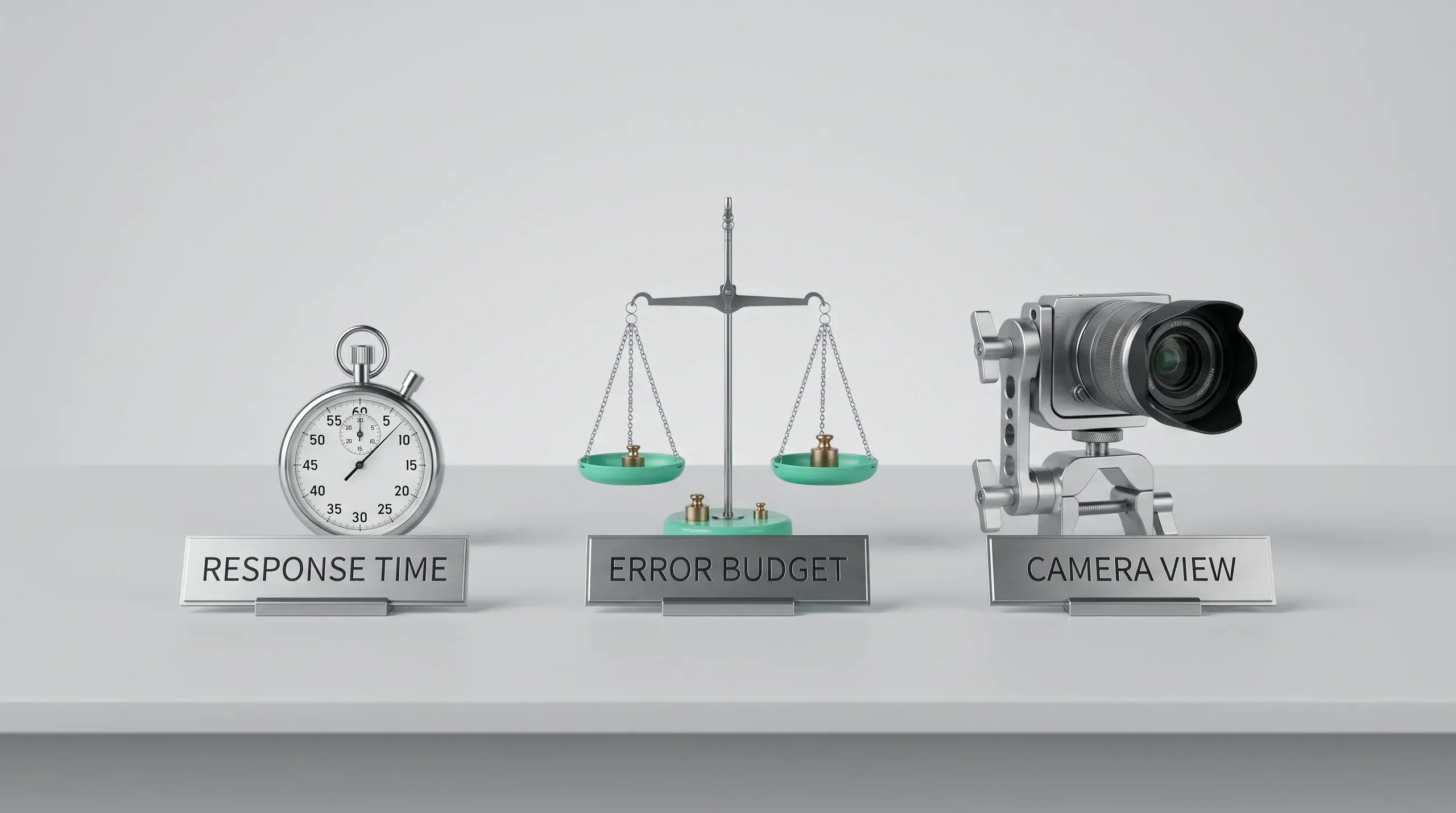
Two numbers control the design. The first is the response time from event to alert. The second is the acceptable error split: how many false alarms an operator will tolerate per shift, and how many misses the process can survive. A safety stop and a queue counter sit at opposite ends of that trade.
Camera and Environment Constraints
Lighting, mounting height, angle, weather, motion blur and lens quality decide more accuracy than the model choice. Walk the site before the estimate. A camera that frames the event well turns a hard model problem into an easy one.
Define the Event Before the Architecture
Bring the event, the response time and the site conditions. You get a written view on feasibility, hardware and the latency budget.
Real-Time Video Analytics Architecture Explained
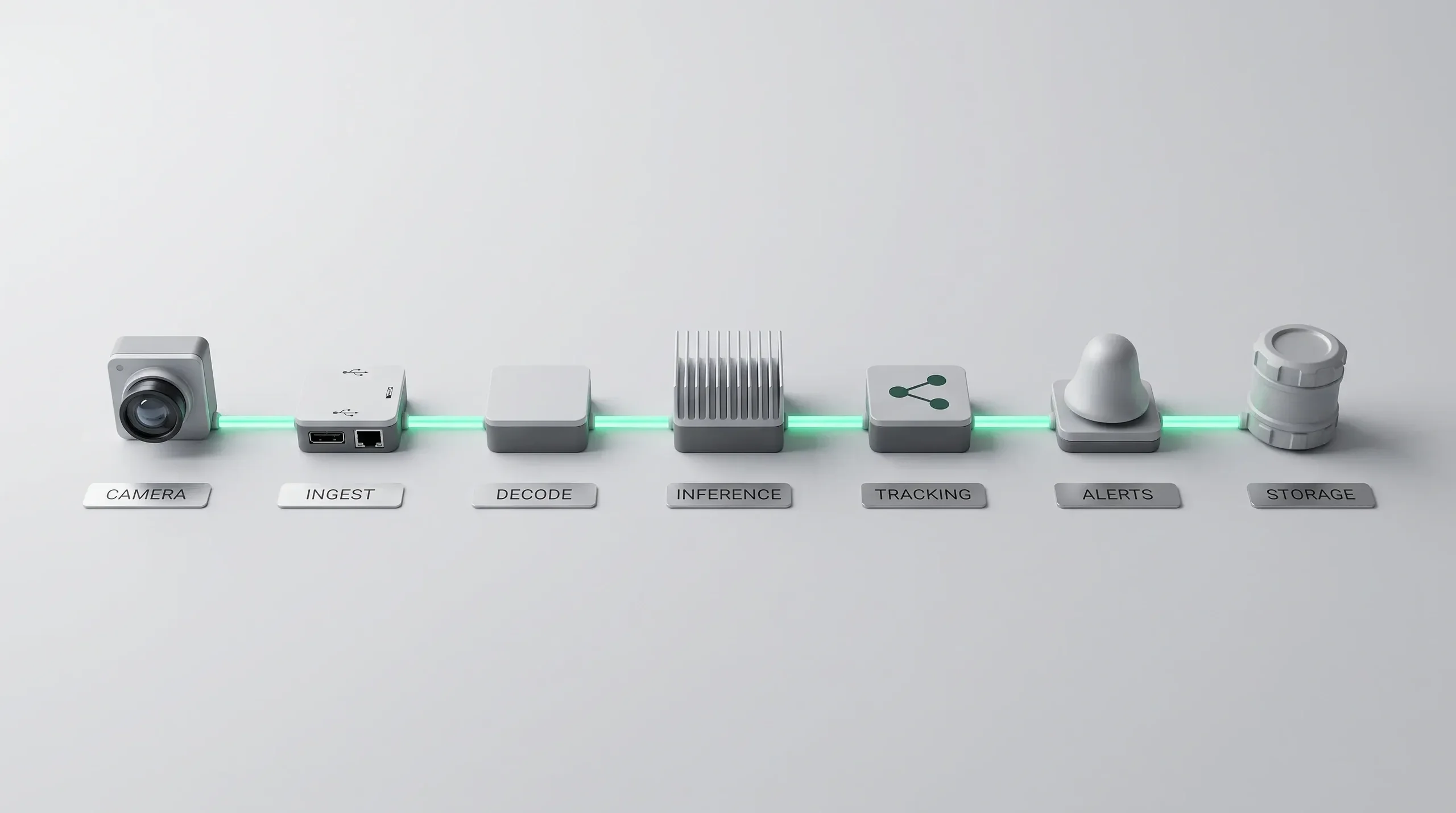
The pipeline has seven parts. Each one adds latency and cost, and each one fails in its own way.
A production system is distributed software built around a model. Video arrives from cameras the team rarely controls. It is decoded and resized before any model sees it, and it becomes an event only after tracking and business rules confirm it across several frames. The alert then travels to a person or a machine through the systems the site already runs.
That is why sizing starts from the whole path. A model that keeps up with one camera in the lab can stall twenty cameras on site once decoding and inference share the same hardware.
The Pipeline, Part by Part
Sizing runs part by part, from the camera to the action the system triggers.
Cameras
Resolution, frame rate, codec and the protocol they speak. Most IP and CCTV cameras stream RTSP with H.264 or H.265. Inspection cameras on production lines often connect directly and send uncompressed images.
Ingestion
A service that connects to each camera, handles reconnects, and keeps a clock. Camera drift is the most common cause of confusing timestamps.
Decoding
Compressed video becomes frames. Hardware decoders on the GPU or the edge chip do this far cheaper than the CPU.
AI inference
The model runs on batched frames. Detection, segmentation or classification, depending on the event.
Tracking and event logic
Detections become tracked objects with identity over time, and rules turn tracks into events. This is where most of the business logic lives.
Alerts and APIs
Events reach the systems that act: an operator screen, a PLC, a ticketing tool, a message queue.
Storage and monitoring
Short clips around each event, model metrics, camera health and drift reports.
Size the Hardware Against the Tracker
Hygge sizes video hardware against the tracker and the event rules before the model.
Yevhenii SukhovCTO & Co-Founder
Teams argue about the model and lose the project in the pipeline. Decoding, batching and the tracker decide whether twenty cameras fit on one box. We size the hardware against the tracker and the event rules first, and the model second.
Edge, Cloud, or Hybrid?
Where inference runs decides latency, bandwidth cost and what happens when the network drops. The three options below trade latency against the hardware you have to own and maintain.
| Criterion | Edge | Cloud | Hybrid |
|---|---|---|---|
| Typical latency | A few hundred milliseconds end to end | Hundreds of milliseconds and up | Low for alerts, higher for analytics |
| Bandwidth cost | Low, only events leave the site | High, every stream is uploaded | Medium, clips and events only |
| Privacy | Video stays on site | Every stream leaves the site | Raw video stays on site, only clips and events leave |
| Works offline | Yes | No | Partly |
| Hardware to maintain | Boxes at every site | None | Boxes plus cloud services |
| Scaling | A new box for each new site or camera group | Elastic, compute grows with load | Edge boxes per site, cloud scales the analytics |
| Best for | Machine warnings and interlocks, poor connectivity | Retrospective analysis, many sites, elastic load | Most production systems |
Most systems end up hybrid. Time-critical detection runs on an edge box beside the cameras, and the cloud handles dashboards, model updates, long-term storage and cross-site reporting.
Understanding the End-to-End Latency Budget
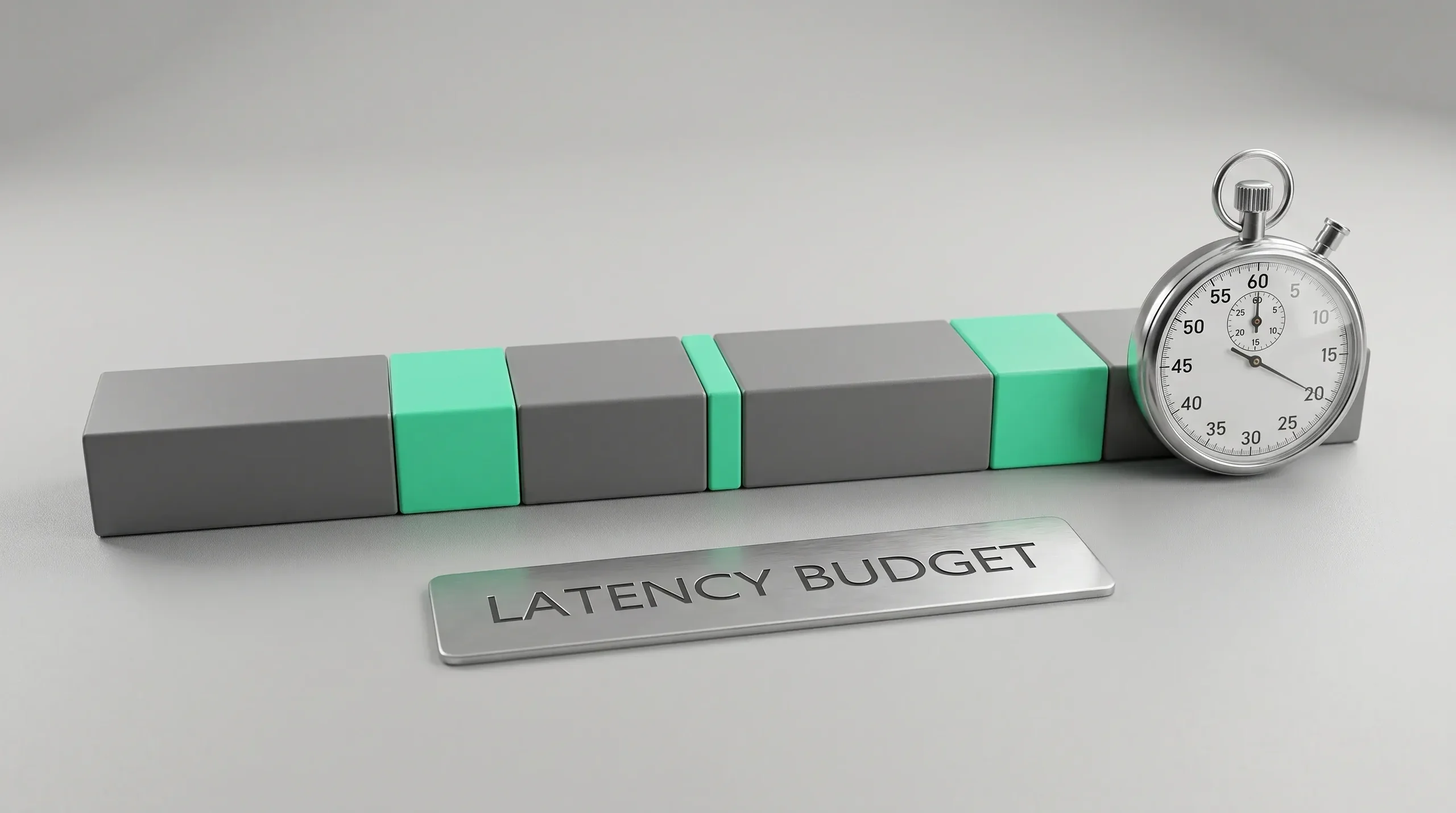
Latency is a sum of six parts. Write the budget stage by stage and compare it against the response time the event needs.
Model inference is the number teams usually quote, and it is often a small share of the total. The camera encoder, the network and its buffers, decoding, the tracker's confirmation window and the alert route all add their own delay. A fast model can still sit inside a slow pipeline.
Give each stage a target in milliseconds, then measure it on the site network. The gap between the target and the measurement shows where to optimise first.
Where the Latency Budget Goes
The stages below are where the milliseconds go, and what reduces each one.
| Stage | Source of Delay | How to Reduce It | Typical Impact |
|---|---|---|---|
| Capture and encoding | Camera exposure and encoder settings | A low-latency encoder preset | Low to medium |
| Network and buffering | Jitter buffers, RTSP transport, wireless links | Wired links, smaller buffers, local network | Often the largest single share |
| Decoding and preprocessing | Frame decode, resize, colour conversion | Hardware decode, resize on GPU | Medium |
| Model inference | Model size, input resolution, batch size | Smaller input, FP16 or INT8, small batches for urgent streams | Medium to high |
| Tracking and event processing | Association across frames, rule windows | Simpler tracker, shorter confirmation window | Medium |
| Alert delivery | Queues, integration hops, retries | Direct path for critical alerts | Low, unless a hop is slow |
Measure the budget on the real site, because the network share changes everything. Confirm the response time with the people who act on the alert. A two-second alert and a two-hundred-millisecond alert are different products.
Tips for Reducing Latency
These real-time video analytics tips come from production systems, where the fix is usually cheaper than a bigger GPU.
Optimize the model before the hardware
Export to TensorRT or ONNX, run FP16 or INT8, and prune classes the event does not use. A smaller model often removes more latency than a faster card.
Control resolution and frame rate
Run detection at the lowest input size that still finds the object, and drop the frame rate to what the event needs. Many safety events resolve at ten frames per second.
Put time-critical work at the edge
Anything that stops a machine belongs on hardware in the same building as the camera.
Reduce buffering everywhere
Jitter buffers, encoder buffers and message queues each add tens of milliseconds. Tune them once the pipeline is measured.
Scale across hardware deliberately
Add streams to one accelerator until decoding or the GPU runs out of capacity, then add a box.
Measure the Whole Path Before the Model
Hygge measures end-to-end latency on the site network before tuning the model.
Yevhenii SukhovCTO & Co-Founder
The fastest model rarely makes the fastest system. On most sites the network buffer and the tracker's confirmation window add more delay than inference, so we measure the whole path on the real network before we change the model.
Review Your Pipeline Against the Response Time
Send the cameras, the event and the network. You get a stage-by-stage latency budget and the hardware it implies.
Choosing AI Models and Techniques
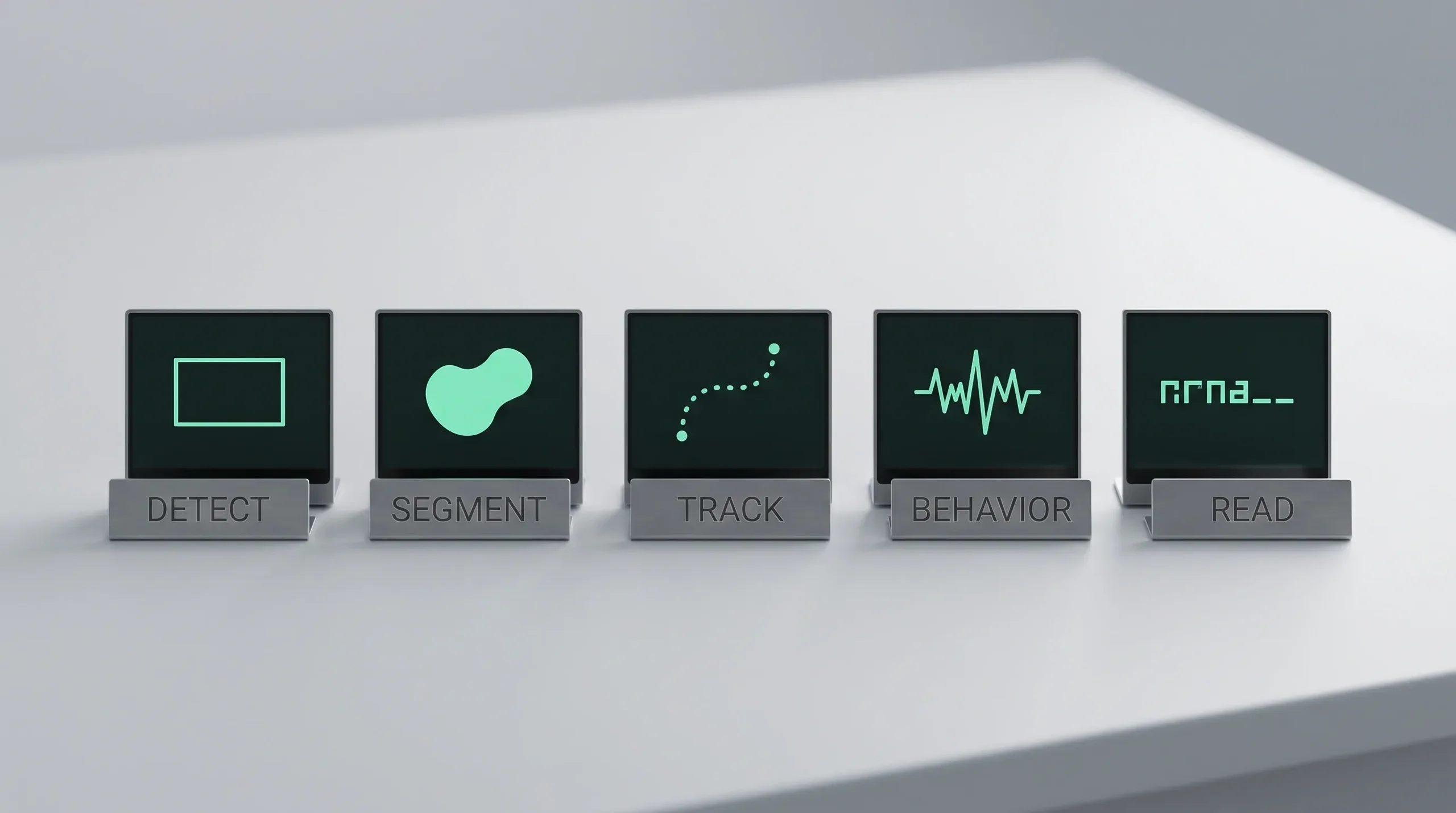
The event type picks the model family, and mixing families in one pipeline is normal.
Detection and Segmentation
Detection gives a box and a class, which covers most safety and counting events. Segmentation gives a pixel mask, which you need for area, shape, spill or coverage questions.
Multi-Object Tracking
Tracking holds identity across frames. It powers dwell time, direction, queue length and zone crossing. A weak tracker produces duplicate events and breaks operator trust faster than a weak detector.
Action and Behaviour Recognition
Some events live across frames: climbing, falling, reaching into a machine. These models read short clips and need more compute per event.
Anomaly Detection
When the failure modes are unknown or rare, a model of normal behaviour flags deviations. It is useful for early warning and weak as a trigger for automatic action.
OCR and Licence Plate Recognition
Reading text on a plate, a label or a panel adds a second model behind the detector. Accuracy depends on resolution at the point of capture more than on the model.
Use Cases Across Industries
The pipeline is the same in all of these real time video analytics examples. What changes is the event being watched for and how fast the response has to be.
Workplace safety
Detect people in machine zones, missing protective equipment, or pedestrians near moving vehicles. The Bureau of Labor Statistics count released in February 2026 records 84 US deaths in incidents involving forklifts, order pickers or platform trucks (National Safety Council). Real-time video analytics for safety targets this class of event.
Security and surveillance
Perimeter crossing, loitering, tailgating at a door, abandoned objects. Real-time AI video surveillance analytics flags these as they happen and sends the alert to the security team.
Manufacturing quality
Surface defects, missing components, wrong labels, incorrect assembly order. The event triggers a reject arm within the cycle time of the line.
Logistics and yard operations
Trailer arrival and departure, dock occupancy, pallet counts, load damage on unloading.
Retail operations
Queue length, shelf gaps, entrance counts and dwell time by zone, with faces never stored.
Source for the safety figure: Bureau of Labor Statistics data on forklift incidents, published by the National Safety Council.
How to Choose Video Analytics Tools for a Factory
Factory deployments carry constraints that office buildings do not. Fixed cycle times, PLC integration, dust and vibration, and a network that was never designed for video. These are industrial IoT constraints, and video inherits them.
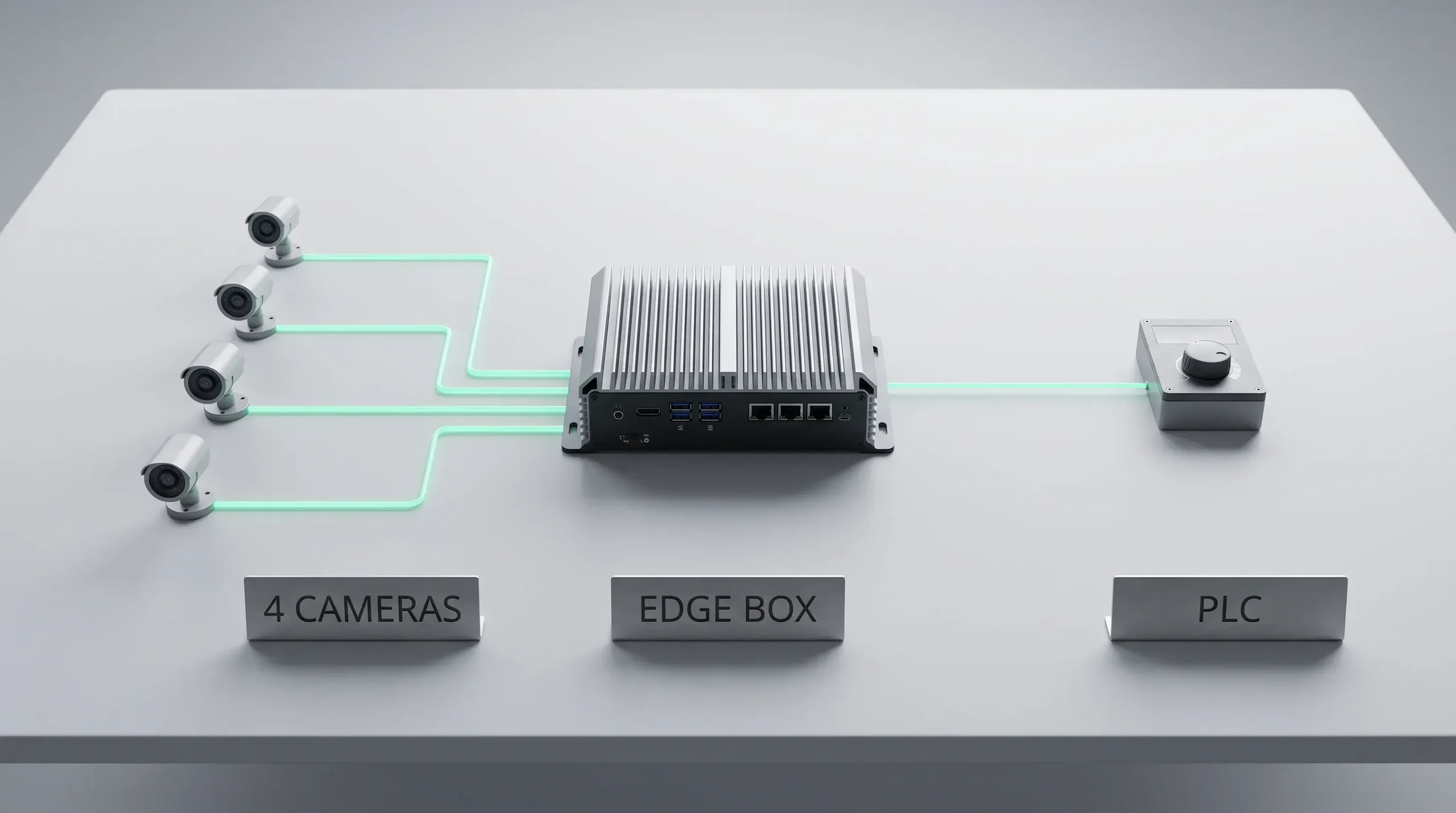
Real-time video analytics tools for factories usually combine these layers. An industrial camera with controlled lighting. An edge box with a GPU or an accelerator, rated for the environment. A runtime such as NVIDIA DeepStream or an equivalent pipeline that decodes and batches streams. And an integration layer that speaks to the PLC, the MES or the quality system.
Hardware capacity is measurable. NVIDIA publishes end-to-end throughput for its DeepStream pipeline. In the 2026 figures an L40s data-centre GPU processes about 643 frames per second on a detection model. A Jetson AGX Orin edge module handles about 96 (NVIDIA DeepStream performance). At 30 frames per second that is roughly twenty-one 1080p streams on the server card and three on the edge module, with tracking included.
Build, Buy, or Integrate?
The event decides which route fits.
Buy a platform when the event is standard, the cameras are standard, and the vendor already sells that exact detector. Perimeter security and people counting are well served this way.
Integrate a component when one part of the problem is solved by a specialist and the rest is yours. A licence plate engine or a pose model inside your own pipeline is a common shape.
Build when the event is specific to your process, when the response has to reach your own equipment, or when the data cannot leave the site. Most factory quality and machine-safety systems land here, which is where our AI development services usually start.
What a Real-Time Video Analytics System Costs
Cost is a running number per camera per month, plus a one-time build. These lines cover most budgets.
Discovery and site survey
Camera positions, lighting, network measurements, event definitions and the response path. Two to four weeks, and it decides the rest of the budget.
Data collection and annotation
Footage from the real site, in the real conditions, labelled by people who understand the event. This is usually the largest single line in the first phase.
Model development and evaluation
Training, tuning and an honest test on held-out footage, measured with false accept and false reject rates the operator agrees with.
Pipeline, integration and hardware
The decoding and tracking pipeline, the alert path, the PLC or API integration, and the edge boxes or GPU instances. Cloud GPU time is the line that grows with camera count.
Monitoring and maintenance
Camera health, drift reports, retraining after process changes, and the support path when a line stops. Budget this as a monthly line, because it never goes to zero.
Cloud GPU pricing is published and checkable. In 2026 a single NVIDIA L4 instance was listed at roughly 0.80 US dollars per hour on demand. That is near 580 dollars per month before storage and traffic, according to the AWS EC2 on-demand pricing page.
Get a Cost per Camera per Month
One-time build and monthly running cost, split into compute, storage, traffic and maintenance, against your camera count.
Quote the Monthly Number From the First Call
Hygge quotes video systems as a monthly number per camera.
 Artem Petrov
CFO & Co-Founder
Clients compare the build price and then meet the monthly one. We quote video systems per camera per month from the first call. GPU hours, storage and maintenance go on separate lines, because that is the number the finance team lives with.
From Proof of Concept to Production Deployment
A demo on recorded footage proves the model. Production proves the pipeline, the integration and the people around it.
The path has five steps. Run the proof of concept on footage from the real site. Deploy a pilot on one line or one zone, with the alert reaching a real operator. Measure for a full production cycle, including a night shift and a changeover. Integrate the response path into the equipment or the ticketing system. Then scale camera by camera, with the same monitoring on every new one.
The step teams skip is the pilot with a real operator. Alert fatigue kills more video systems than model accuracy does.
Common Reasons Video Analytics Projects Fail
Each of these is visible in the first month if someone looks.
The event was never defined
"Improve safety" is a goal. "A person inside the cell while the cycle runs" is an event.
The camera cannot see it
No model recovers detail the lens never captured. Site survey first.
Training data came from the wrong place
Public datasets and clean demo footage do not carry your lighting, angles or dust.
Latency was measured in the lab
The site network usually owns the largest share of the budget.
Alerts go nowhere
An event that lands in a dashboard nobody watches has no operational value.
Nobody owns drift
Lines change, seasons change, cameras move. A system without retraining degrades quietly.
Privacy, Security and Responsible Video Analytics
Video is personal data in most jurisdictions, and the rules tightened.
Under the EU AI Act, untargeted scraping of CCTV material to build facial recognition databases is prohibited. So is emotion recognition in workplaces and education, which matters for any camera pointed at staff. Real-time remote biometric identification in public spaces for law enforcement is prohibited outside narrow exceptions. Sorting people by sensitive traits, such as ethnicity or political views, is also prohibited. These prohibitions have applied since February 2025. Other uses, such as identifying people from recorded footage, are high-risk. Their obligations on risk assessment, data quality, logging, documentation and human oversight start in December 2027. Systems embedded in regulated products follow in August 2028 (European Commission, AI Act).
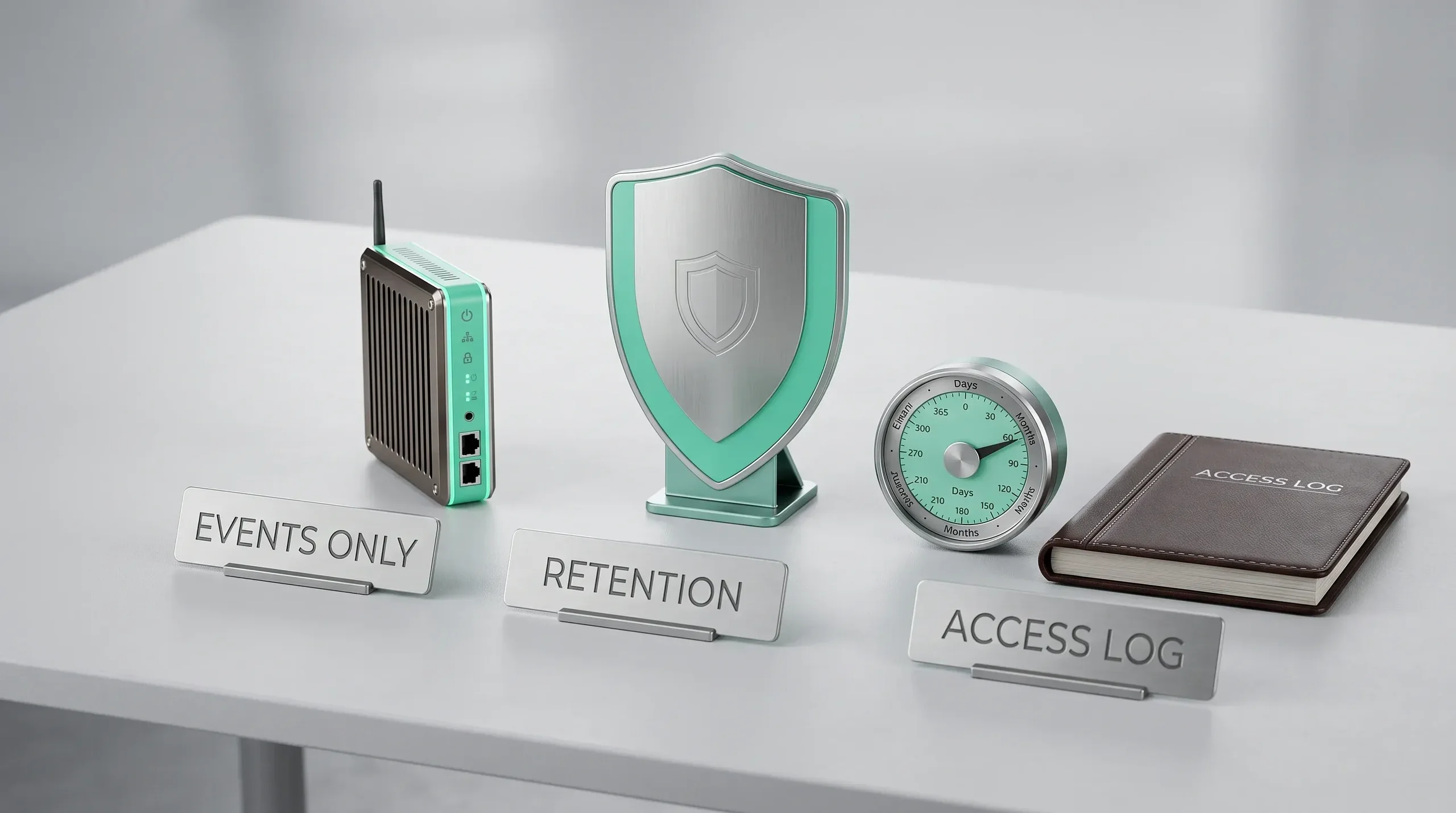
These design choices keep a system defensible. Process frames in memory and store only events and short clips. Keep identity out of the pipeline unless the use case requires it and the law allows it. Log who viewed what. Put retention periods in the configuration.
How to Measure Performance and Value
Metrics answer three different questions, and a system needs all of them.
Technical Metrics
Precision, recall and F1 per event class. End-to-end latency at the ninety-fifth percentile. Frames processed per second per stream, and dropped frame count.
Operational Metrics
False alarms per shift, missed events found in review, operator acknowledgement time, and the share of alerts that led to an action.
Cost and Value Metrics
Cost per camera per month, incidents avoided or defects caught per month, and the labour time removed from manual monitoring.
Run the Pilot on One Zone First
Every Hygge video deployment starts on one zone with one operator.
 Zinaida Shelomkova
Head of Delivery
We run the pilot on one zone with one operator, and the scaling decision waits for its numbers. If that operator stops reacting to the alerts in week two, the model is fine and the product is wrong. We would rather learn that on one camera.
How Hygge Builds Production-Ready Video Analytics
Real-time video analytics sits where computer vision, edge hardware and plant-floor software meet. The cameras, the models and the integration come from one team.
The sequence is the same every time. A site survey and an event definition that gate model work. A measured latency budget from the real network. An architecture decision between edge, cloud and hybrid based on the response time and the connectivity. A pilot with a real operator. Then scaling with monitoring on every camera.
A video system is one AI product among others. The stages around it, from data and evaluation to deployment and monitoring, follow our guide on how to build an AI product.
One Sentence Starts Every Video Project
Hygge starts a video project from the response.
 Alina Sukhova
CEO & Co-Founder
Every video project starts with one sentence from the client: what happens the moment the system sees it. If nobody can finish that sentence, this is a research budget, and we price it as one.
From Camera Feed to Business Action
A real-time video analytics system earns its cost through what happens after the alert. Start from one event and the response it needs, then write the latency budget stage by stage and choose edge, cloud or hybrid against it.
Price the system per camera per month with monitoring included. Run the pilot on one zone with a real operator, and scale only when the event, the accuracy and the response time hold up on site.
Delivery Record
Numbers published on hygge.software and in the case studies.
Real-Time Video Analytics FAQ
Direct answers to the questions teams ask at the site survey.
 What latency is considered real time in video analytics?
Should video analytics run at the edge or in the cloud?
Can an AI analytics system work with existing CCTV cameras?
How many video streams can one GPU process simultaneously?
What makes factory video analytics more expensive than a standard surveillance system?
How much video data is needed to train a custom analytics model?
Talk to a Video AI Expert
Send the event, the cameras and the response time. You get an architecture, a latency budget and a cost per camera per month.
Describe the Event
What the camera must see and what happens the moment it does.
Get an Architecture Review
Edge, cloud or hybrid, with a stage-by-stage latency budget.
Receive a Scoped Plan
Hardware, integration, timeline and a cost per camera per month.